
I've spent a stupid amount of time lately trying to fix my LinkedIn photo, and it turns out I'm not alone — the actual photographer route costs real money and takes real scheduling, so everyone's phone has quietly become a portrait studio instead. That's the whole appeal of ai headshot apps: you hand over a selfie or a folder of old photos and the app hands back something you could plausibly use for a resume or a dating profile without anyone asking who took it.
The catch, and I ran into this constantly while testing these, is that the category is crowded with apps that started as face-swap toys or art generators and bolted 'headshots' onto the feature list because it's the trend of the moment. Some of them are genuinely built for the job. Others just wrap a selfie filter in office lighting and call it professional. Pricing is where it gets messy too — a lot of these apps look free until you actually try to save or export, and that's exactly where the complaints pile up.
Below are eight ai headshot apps I actually opened, tested, and read real user complaints about, ranging from dedicated headshot generators to broader photo-editing apps that happen to do headshots as a side feature. If you want more background on how this whole AI photo trend works, our related roundup on AI photo apps is worth a look too.
WOMBO Dream – AI Art Generator
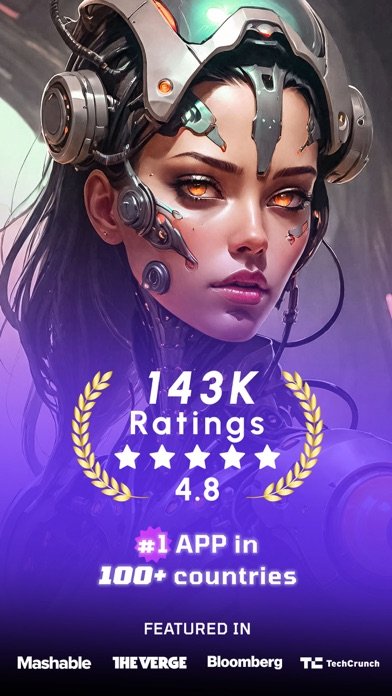
WOMBO Dream is the one I kept coming back to because it doesn't pretend to be a one-trick headshot machine — it's an AI art and video generator that happens to turn selfies into portrait-style images through its photo-to-art tool. I liked that the style range is genuinely large, and turning a photo into something usable for a profile picture only takes a couple of taps.
What soured it for me is the same thing I saw echoed across a bunch of reviews: this used to be a free app, and now the free tier is thin enough that longtime users feel like the rug got pulled. One reviewer said it plainly — the app went from something they'd used for years to pay-only overnight, and I felt that shift too when I tried to save a batch of generations and hit a wall.
On the plus side, the edit-with-text feature actually works the way it's described, letting you nudge a generated portrait instead of starting over from scratch, which is more than I can say for some of the apps below.
FaceAI – AI Photo & Video Gen
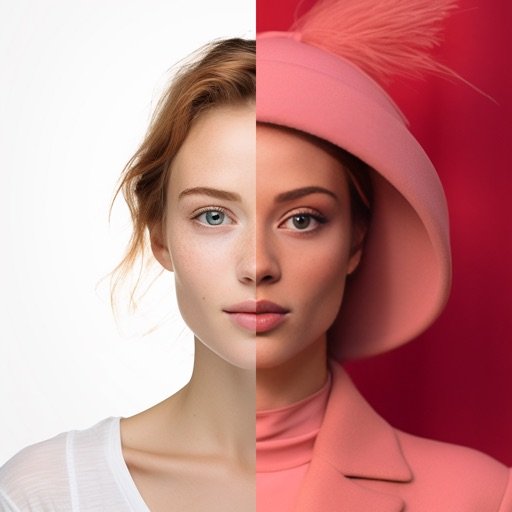
I went into FaceAI expecting a straightforward headshot tool and instead found a grab-bag app that tries to be a business-photo generator, a Halloween filter pack, and a future-baby predictor all at once, and I'm skeptical that trying to do all three makes it good at any one of them. The headshot styles are locked behind a purchase before you even see a finished result, which is a rough way to evaluate whether the output is worth paying for.
The free tier only really covers face swap and background removal — the actual AI avatar and headshot generation, the features you'd download this for, sit behind additional purchases on top of whatever you've already paid. That layering of paywalls inside paywalls is the kind of thing that makes me want to test a competitor before committing.
If your goal is specifically a clean business headshot, I'd treat this as a maybe rather than a first pick, since so much of the app's design energy went into trend filters instead.
Reface: Face Edit AI Photo App
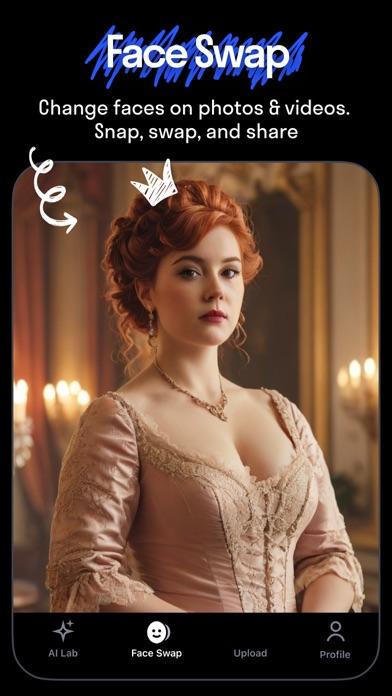
Reface earned its reputation as a face-swap app first, and the professional headshot feature reads like something added afterward, buried under hairstyle try-ons, baby generators, and viral filter packs. If you already have Reface for the face-swap novelty and want to try its headshot mode as a bonus, it's fine for a narrow, occasional use.
I wouldn't install this specifically for headshots, though. The app's own marketing spends far more space on gender swaps, pet filters, and AI singing than on the portrait tool, and that imbalance shows in how buried the feature is once you're actually in the app hunting for it.
Subscription terms are standard auto-renew, and like most apps in this space you'll want to check your settings the same day you subscribe if you're not planning to keep it.
Headshot Pro AI: Perfect Photo
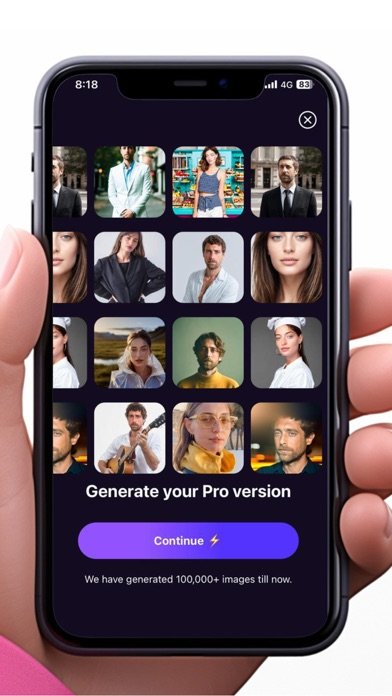
Headshot Pro AI is refreshingly upfront about being just a headshot generator, which made it the easiest of the bunch to actually learn — upload a selfie, pick from the style categories, and the app walks you toward a finished set without much detouring into filters or gimmicks. For someone who's never touched an AI photo app before, that narrow focus is genuinely useful.
The over 100 styles sound like a lot until you realize most of them are locked behind credits or a subscription plan, so the free experience is really a preview of what you'd get if you paid. I didn't mind that structure since at least it's transparent about needing credits upfront, unlike apps that let you generate first and paywall the download.
This is the one I'd point a total beginner toward first, simply because there's less to get lost in.
Photoleap: AI Photo Generator
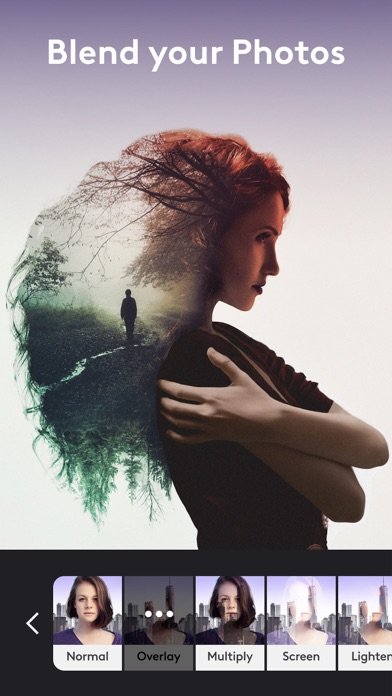
Photoleap is a genuinely powerful photo editor that has quietly turned into a cautionary tale for anyone who bought a one-time Pro unlock expecting it to stay that way. One reviewer described their paid Pro purchase getting rendered void, with a new, pricier subscription screen taking its place — and reading that made me hesitant to trust the in-app purchase structure at all.
As a headshot tool specifically, it's overbuilt for the job. You're wading through layers, blending modes, RAW support, and a full art-generation suite just to get to a decent portrait, and more than one reviewer complained the AI simply doesn't follow headshot prompts well, calling the results fake-looking hair pasted onto a real face.
If you already use Photoleap for serious photo editing and want to experiment with headshots as a side feature, it's there. I wouldn't download it new for that purpose alone.
Face Swap – FusionFaces AI App
Need a headshot in the next five minutes and don't care about style options? Future Faces (FusionFaces) is built for exactly that speed — upload a photo, tap swap, and you get a result fast, professional headshots included in the list of things it generates alongside memes and dating photos.
The multi-person swap actually held up when I tested it on a group photo, keeping faces looking reasonably natural rather than obviously pasted, which isn't guaranteed at this speed. Automatic deletion of uploads within twelve hours is a nice detail for anyone nervous about handing over a face photo to yet another app.
It's not a dedicated headshot studio, though — it's a face-swap app that lists headshots as one use case among many, so don't expect the depth of style curation you'd get from an app built around that one job.
AI Photo Video Generator: IRMO

IRMO's app description reads like it was written by three different marketing teams that never talked to each other — Trend Adaptation Leader, Cinematic Viral Video Clips, high-value AI Headshots, all stacked into one pitch — and next to the more focused headshot apps on this list, it's hard to tell what IRMO actually wants to be. Compared to Headshot Pro AI's narrow focus or even WOMBO's clearer video-vs-art split, IRMO tries to be a viral content studio, a character avatar generator, and a headshot tool simultaneously.
The headshot claims lean heavily on words like studio-quality and guaranteed, language that's worth being skeptical of until you've actually generated a set and compared it to a competitor. There's also a text-to-speech and AI chat layer bolted on, which tells me headshots aren't really the core product here so much as one entry in a long feature list.
If you're choosing between this and a dedicated headshot app, I'd try the narrower option first and treat IRMO as a backup for the trend-video features instead.
AI Photo Generator – Fotorama
A quick caveat before you download Fotorama: it's part of a wave of new-ish apps bundling headshots in with baby photos, wedding filters, and seasonal themes, and the more a single app promises, the more I want to see it prove the headshot piece specifically holds up. The listed styles under its AI Headshot Excellence section look promising on paper — LinkedIn-ready, business portrait, that kind of framing.
What I can't vouch for yet is consistency, since there's no substantial independent user feedback on this one at the time I'm writing this, which is itself worth flagging before you hand over payment info. The privacy-first messaging is reassuring in theory, though it's the same language most of these apps use.
Given how many styles Fotorama lists — old money aesthetic, cinematic effects, seasonal themes — the headshot feature is clearly one of many, not the main event.
Conclusion: ai headshot apps
Honestly, if you just want a clean business headshot with the least amount of menu-hunting, Headshot Pro AI is my pick simply because it doesn't ask you to wade through filters and video tools first. WOMBO Dream is worth keeping around if you also want general AI art, though be ready for its subscription push. Everything else on this list treats headshots as a side feature, which is fine for casual use but not what I'd reach for if the photo actually needs to look professional.