
I used to think a good photo just needed good light. Then I spent a weekend actually testing ai photo editor apps against my camera roll full of dim bar photos, blurry dog shots, and one truly cursed group selfie where somebody's ex is still visible in the background. Turns out the gap between "looks fine" and "looks like I hired someone" is usually a tap away now, which is both great and a little unsettling.
The pitch for every one of these apps is basically the same: point AI at your mess of a photo, get back something sharper, cleaner, or funnier. Some genuinely deliver that in seconds. Others bury the good stuff behind a paywall that shows up right when you're about to save, which is its own kind of lesson in reading the fine print before you tap through a free trial.
I went through eight of the most downloaded ai photo editor apps for iPhone and Android, paid for a few of them out of my own pocket, and read through a pile of user complaints to see which frustrations were common versus which were one-off. Below is what actually happened when I opened each one, including the parts the app store listings don't mention. For more on where AI editing intersects with video, our editor apps roundup covers that ground too.
YouCam Perfect:AI Photo Editor
YouCam Perfect is the one I reached for most out of pure habit, mostly because the object removal actually works on busy backgrounds, not just clean ones. I ran it on a beach photo with three strangers photobombing the frame and it filled in the sand convincingly enough that I didn't feel the need to fix it further.
Where it gets messy is the AI Agent stuff — the text-to-image and video generation features are genuinely ambitious, but in my experience they're the part most likely to produce something odd rather than useful, which lines up with what other users have said about results feeling inconsistent. The core editing tools (retouch, lighting, background removal) are the reliable half of the app.
Saving your work is where I ran into the same wall a lot of reviewers describe: I'd finish an edit and get pushed toward the pricier membership tier just to export it, even after I'd already paid once for the pro version. That's my honest downside here — the paywall timing feels aggressive relative to what you've already bought.
EPIK – AI Photo & Video Editor
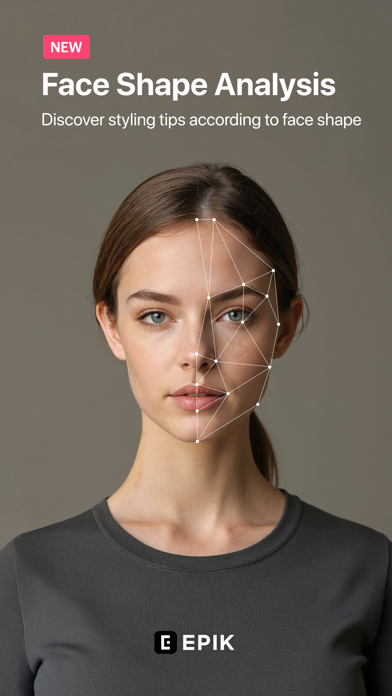
I went into EPIK expecting the same free-to-try, pay-to-finish pattern most of these apps run, and I wasn't wrong, but the walls here felt tighter than most. Basic skin smoothing and makeup adjustments, the stuff that used to be free according to longtime users, now sit behind the pro tier, and I hit that wall within my first few edits.
The AI cutout and enhance tools are competent when you do get to them — separating a subject from a cluttered background worked cleanly on a couple of test photos. But I kept feeling like I was being nickeled and dimed for things that should be table stakes in a photo app, not premium add-ons.
The free trial situation is worth flagging too: it's easy to end up enrolled without meaning to, and a few users have reported real trouble getting it to actually cancel from their account settings. If you're only editing photos occasionally, the subscription math here doesn't favor you.
Lensa AI: Photo Editor

Lensa is narrow in a way I actually appreciated: it's built for making one photo look better, not for running a full studio. I used it mainly on selfies and headshots, and the retouching stayed closer to natural than I expected — it didn't push me into the over-smoothed, plastic look some beauty apps default to.
The avatar generation is the feature everyone remembers Lensa for, and it's fun, but I'd treat it as a novelty rather than the reason to install the app. The everyday value is in the quieter tools — object removal, lighting fixes, color tone adjustments.
What soured me a little was the interface churn: after a recent update, several tools I used regularly, including the artist tab, were harder to find or gone entirely, and the constant prompts to leave a review got old fast. If you just want quick portrait touch-ups, it still does that job well; if you wanted the fuller toolset it used to have, expect some hunting.
Filmora: AI Video Editor&Maker

Filmora isn't strictly a photo app, and that's worth saying upfront — it's built around video, with AI photo-to-video and auto-cut features layered on top of a fairly deep timeline editor. I went in through the image-to-video route and found the onboarding gentler than I expected; the templates do a lot of the heavy lifting for anyone who's never edited a clip before.
As a beginner tool it earns the label: trimming, adding captions, and applying AI effects didn't require me to look anything up. The tutorials embedded in the app are actually useful rather than decorative, which is more than I can say for most editors in this category.
The one thing that got under my skin, and that I've seen echoed by paying users, is the watermark placement and the repeated upgrade prompts even after subscribing. It's a strange thing to still see nag screens once you're already on the pro plan.
AI Mirror: AI Photo Editor
AI Mirror throws almost everything at you at once — style transformation, hairstyle changes, virtual try-on, chat-based editing, image-to-video — and honestly, it's a lot. I found myself using maybe a third of what's on offer, which is the definition of overbuilt for a casual editing session.
The token-based pricing is where I'd tell people to slow down before buying anything. Each video generation eats multiple tokens rather than one, and that math isn't obvious until you've already spent money, a complaint I saw echoed by several users who felt blindsided by how fast credits disappeared.
When the AI Better one-tap enhance works, it's satisfying — lighting and composition genuinely improve without much input from me. But between the credit confusion and a couple of failed video generations that still got charged, I'd go in with modest expectations and a firm budget.
BeautyCam-Digicam&Photo Editor
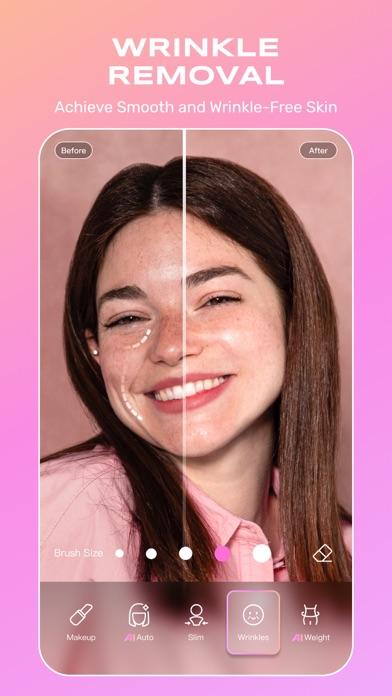
BeautyCam is built for one thing: a fast, flattering photo before you post it, and on that narrow job it does deliver quickly. The AI detection for skin and lighting kicks in the moment you open the camera, so there's no separate editing pass needed most of the time — you shoot, it's already softened.
That speed comes with tradeoffs. I noticed video capture got shaky in a way that made walking shots unusable, a problem other users have flagged too rather than something I imagined. And despite being a paid app for some users, ads still interrupt the shooting flow, which feels backwards for something you've already paid for.
The subscription structure is also yearly-or-monthly only, no one-time purchase option, which a few reviewers found frustrating for an app they open a handful of times a month.
Fotor AI Photo Editor & Video
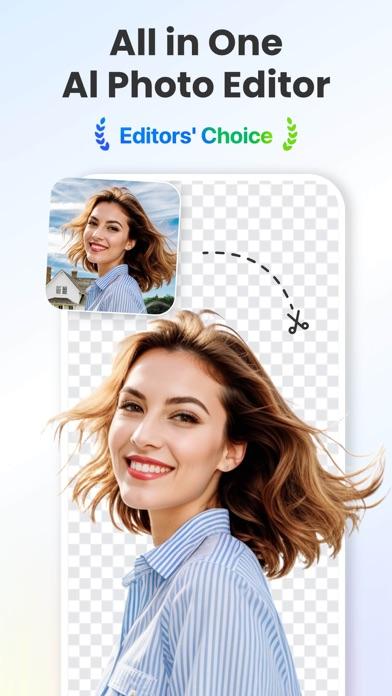
Compared to the more beauty-camera-leaning apps on this list, Fotor pitches itself as the professional-adjacent option — HSL curves, batch editing, a genuine photo enhancer alongside the AI tricks. On paper it's the most feature-dense editor here next to YouCam.
In practice, the AI edits were the least predictable of everything I tested. I asked for a small, specific fix on one photo and got back an image with unrelated elements added in, which matches complaints from other users about the AI overcorrecting or ignoring the actual prompt. When it listens, results are sharp; when it doesn't, you're spending credits on a redo.
The credit system compounds the frustration — you're paying a subscription and then paying again per generated image, and a few users describe that combination as feeling deliberately inefficient. If you're doing straightforward adjustments like brightness or cropping, Fotor is solid; the generative side needs a longer leash than I expected.
Reface: Face Edit AI Photo App
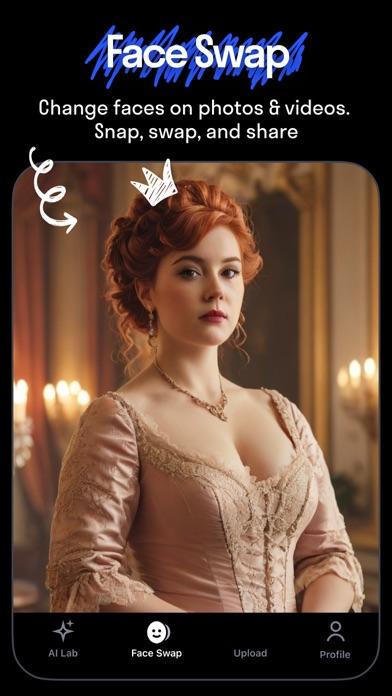
A caveat before anything else: Reface is a face-swap and avatar app first, photo editor second, so don't go in expecting general-purpose retouching. I installed it for the hairstyle try-on feature specifically and that part worked about as advertised — previews matched my face shape reasonably well.
What caught me off guard was the moderation process. A perfectly normal photo of mine got flagged as possibly inappropriate and sat in review for close to a week before it went through, which several other users have described running into as well. That's a long wait for something meant to be quick, casual fun.
Billing is the sharper caveat here. Multiple users have reported being charged more than once within a single month, and I'd read the subscription terms twice before committing, since the premium features are genuinely locked behind that paywall rather than optional extras.
Conclusion: AI photo editor apps
If I'm picking one to keep installed, it's YouCam Perfect — the object removal and retouch tools are consistently good even if the export paywall is annoying. For a quick, low-effort selfie fix I'd grab Lensa instead, and if video is really what you're after, Filmora earns its spot on this list more than any of the pure photo apps do. Everything else here I'd use for a specific trick and then close.